
This chapter focused on the common Windows functions and tools that are used in Malware and provided some useful examples of how they can be used to affect the system or provide persistence.
Lab 7-3 took a while to analyze as it was pretty complicated. I didn’t have a lot of free time this week to dig deeper, but I wanted to finish this one up and post it so I can keep moving on to other chapters.
Lab 7-1 (Lab07-01.exe)
Question 1: How does this program ensure that it continues running (achieves persistence) when the computer is restarted?
It creates a service called Malservice that is set to automatically start when the computer restarts.
Question 2: Why does this program use a mutex?
The mutex is used to ensure there is only one instance of the malware running on the target computer.
Question 3: What is a good host-based signature to use for detecting this program?
A useful host-based signature would be a service called “Malservice” or the mutex “HGL345”.
Question 4: What is a good network-based signature for detecting this malware?
The malware reaches out to http://www.malwareanalysisbook.com using the user-agent “Internet Explorer 8.0”.
Question 5: What is the purpose of this program?
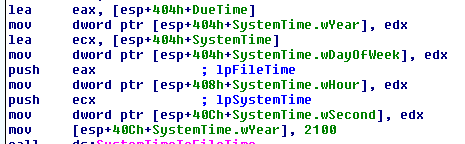
The purpose of this program seems to be to attempt a denial of service attack on the http://www.malwareanalysis.com website. It sets the “DueTime” value to midnight on January 1, 2100 and starts into a loop of connecting to the website above to download the home page over and over again. The second screenshot below shows how the program uses the InternetOpenURLA function to download http://www.malwareanalysisbook.com” and then jumps right back to the start of the same section to repeat the action again.

Question 6: When will this program finish executing?
Never. When the system time reaches the “DueTime” value (1/1/2100) it will create 20 different threads that will all be running an infinite loop of connecting to the website.
Lab 7-2 (Lab07-02.exe)
Question 1: How does this program achieve persistence?
When this program is run, it immediately reaches out to http://www.malwareanalysisbook.com/ad.html” over http and launches an instance of Internet Explorer attempting to connect to the site. However, it doesn’t seem to attempt persistence as it stops running after connecting to the site without making any changes to the OS/registry.
Question 2: What is the purpose of this program?
It seems to attempt to show an ad to the user. Mine did not load the actual page due to how my VM is networked, but we can assume from the name of the page (ad.html).
Question 3: When will this program finish executing?
It finishes running once it loads the website above.
Lab 7-3 (Lab0703.exe and Lab07-03.dll)
Question 1: How does this program achieve persistence to ensure that it continues running when the computer is restarted?
It copies the Lab07-03.dll file into a new file at C:\Windows\system32\kerne132.dll (with a 1 instead of l).
Question 2: What are two good host-based signatures for this malware?
The two host-based signatures would be the file “kerne132.dll” listed above and the mutex created called “SADFHUHF”.
Question 3: What is the purpose of this program?
This file creates a backdoor into the computer that is very difficult to remove.
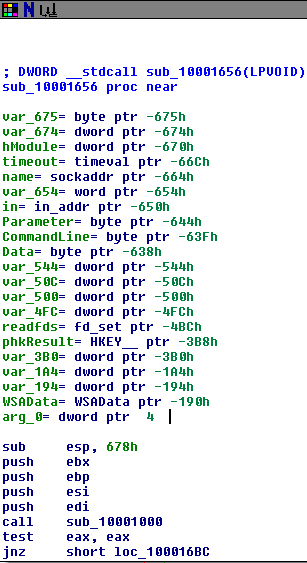
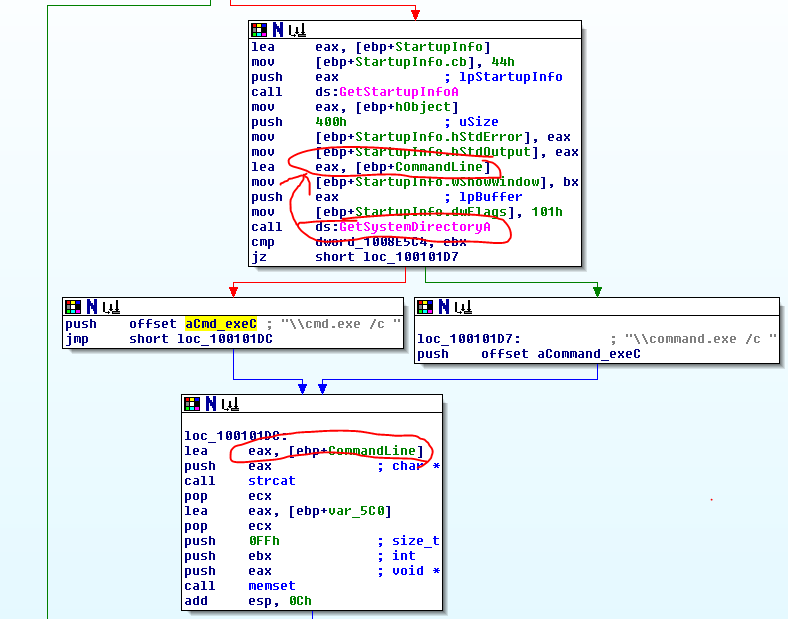
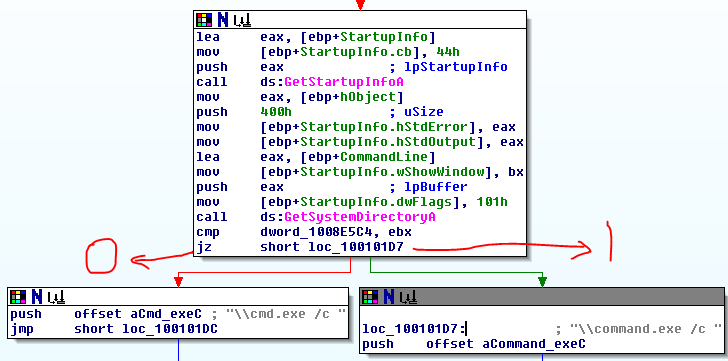
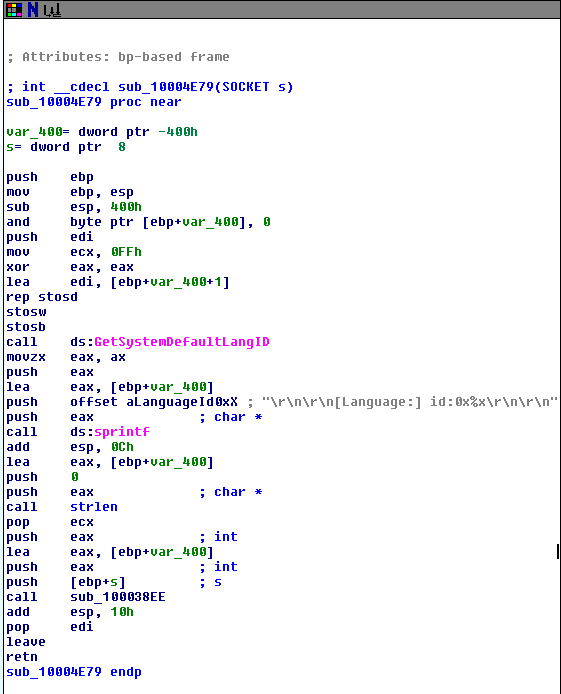
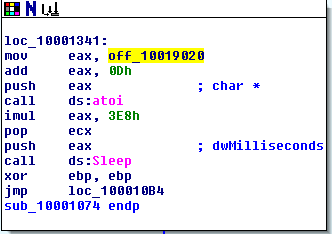
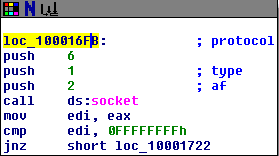
When the .dll file (kerne132.dll being a copy of Lab07-03.dll) is run it reaches out to 127.26.152.13 and attempts to connect. If it can’t connect, the socket is closed and the program terminates. If it can connect, it will either sleep for 393 seconds (listed as 0x60000 seconds, so this might have been a mistake meant to be a decimal) or create a process to run a command, based on the command received (either “sleep” or “exec”). After each command is run, it loops back to 0x100010E9 to try and connect to the site again and start the process over. If at any point it can’t connect or receives a “q” command, it will close the socket and terminate the program.
Question 4: How could you remove this malware once it is installed?
It is difficult to remove because the program searches the entire C: drive for any .exe file that uses kernel32.dll and replaces that reference with kerne132.dll. There is some complicated comparison and file modification that happens, but essentially it forces kerne132.dll to be imported by any .exe file on the system, which will still have the same functionality as the normal dll, but will also come with the backdoor described in question 3.
The easiest way to remove the malware would be to re-image the machine with so many applications affected. However, it should be possible to edit the malware by reversing the values stored for the strings “kernel32.dll” and “kerne132.dll” and by doing so have the malware itself fix all of the affected applications when run a second time.

















 My InfoSec Adventures